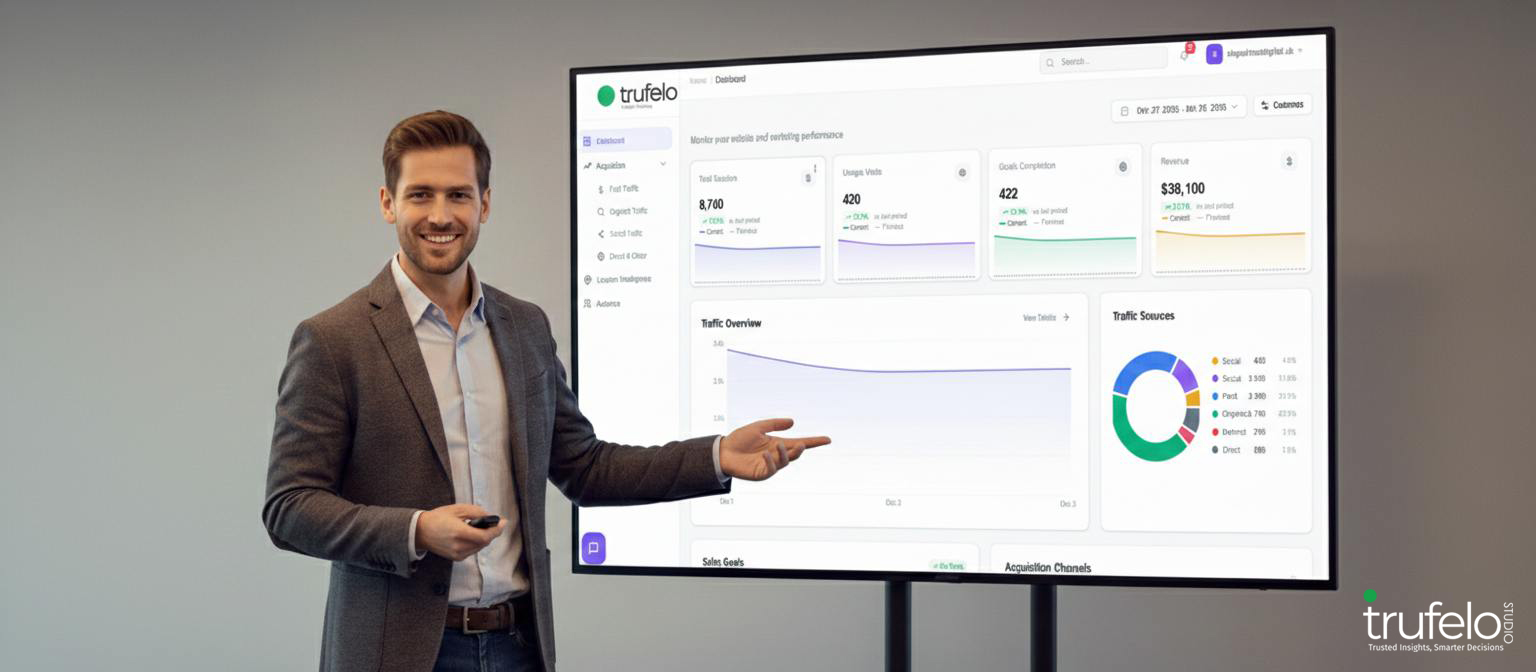

Why GA4 Confuses 90% of Business Owners
You log into Google Analytics wanting one simple answer: did we get more traffic this week than last? Ten minutes later, you’re staring at a screen full of terms like “engaged sessions,” “key events,” and “exploration reports,” no closer to an answer than when you started. If this sounds familiar, you’re not alone, and you’re not doing anything wrong. GA4 is confusing for the vast majority of business owners, and there are real, structural reasons why.
This isn’t a knock on your ability to read a spreadsheet or run a business. It’s a design problem. GA4 was built for a very specific type of user, and if you’re not that user, the platform was never going to feel intuitive. Let’s break down exactly why GA4 trips up so many business owners, why it matters more than it seems, and what it actually looks like to understand your marketing data without needing a certification to do it.
GA4 Was Built for Analysts, Not Owners
When Google replaced Universal Analytics with GA4, it didn’t just update the interface, it rebuilt the entire measurement model from the ground up. Universal Analytics tracked sessions and pageviews in a fairly straightforward way. GA4 tracks everything as an “event,” which is more flexible for data teams but far less intuitive for everyone else.
That shift introduced an entirely new vocabulary: events, parameters, key events (formerly “conversions”), explorations, audiences, and more. Each term assumes a working knowledge of how digital analytics platforms are structured internally. Most business owners never needed that knowledge before, and shouldn’t have to acquire it now just to check how their website is performing.
This is exactly the gap that tools built for a Google Analytics alternative exist to close: taking GA4’s analyst-first design and translating it into something an owner can actually use without training.
Six Reasons GA4 Confuses Business Owners
GA4’s learning curve isn’t one big problem, it’s several smaller ones stacked on top of each other. Here are the six that come up most often.
An overwhelming, jargon heavy interface. GA4 doesn’t explain what its metrics mean in plain language. “Engagement rate” and “session scoped dimension” mean something very specific to a data analyst, but nothing useful to someone trying to run a business.
Data that isn’t always real. GA4 relies on modeling and thresholding to fill in gaps, especially on lower traffic sites. That means some of the numbers on your screen are estimates, not exact counts of what actually happened. You end up making decisions based on approximations without realizing it.
Answers buried behind clicks. A question as simple as “did we get more visitors this week” often requires building a custom report or navigating an exploration tool. The interface prioritizes flexibility over speed, which is great for a trained analyst and frustrating for everyone else.
Delayed reporting. GA4 data can take twenty four to forty eight hours to fully process. By the time a problem shows up in your report, it’s already had two days to get worse.
No alerts or proactive insights. GA4 won’t tell you when traffic drops, when a campaign underperforms, or when something breaks. You have to remember to log in and go looking for trouble on your own, every single day.
A fragmented view of your marketing. GA4 only shows part of the picture. Your SEO performance lives in one tool, your social media results live in another, and your ad spend lives somewhere else entirely. Piecing together a full picture means juggling multiple logins and reconciling numbers that rarely agree with each other.
Why This Matters More Than It Seems
It’s tempting to treat GA4 confusion as a minor annoyance, something you’ll eventually get around to learning properly. But the cost adds up faster than most owners realize.
When your analytics platform is hard to interpret, decisions get made on gut feeling instead of evidence. Ad budgets stay allocated to underperforming channels simply because nobody caught the trend in time. A traffic drop goes unnoticed for a week because nobody was checking the right report. Small inefficiencies compound into real, ongoing waste.
There’s also a quieter cost: dependency. Many business owners end up outsourcing the entire interpretation of their data to an agency or a freelance marketer, not because they trust the analysis more, but because GA4 simply doesn’t speak their language. That can work fine when the relationship is a good one, but it also means you’re relying solely on someone else to tell you what your own numbers mean, with little ability to verify it yourself.
Understanding your own data shouldn’t require a translator.
What Understanding Your Data Should Actually Look Like
GA4’s entire design philosophy is chart first: it hands you graphs and tables and expects you to draw your own conclusions. But that’s backward for most business owners. What you actually want is answer first: ask a plain question, get a plain answer, and move on with your day.
“Which channel brought in the most revenue last month?” shouldn’t require building a custom report. “Why did traffic drop last week?” shouldn’t require cross referencing three different tools. The right approach layers a plain English translation on top of the raw data GA4 already collects, so you get clarity instead of a homework assignment.
How Trufelo Studio Solves the GA4 Problem
This is precisely the gap Trufelo Studio was built to close. Rather than replacing GA4’s data, Trufelo connects to your existing Google Analytics account in under sixty seconds and adds the layer of understanding GA4 never provided.
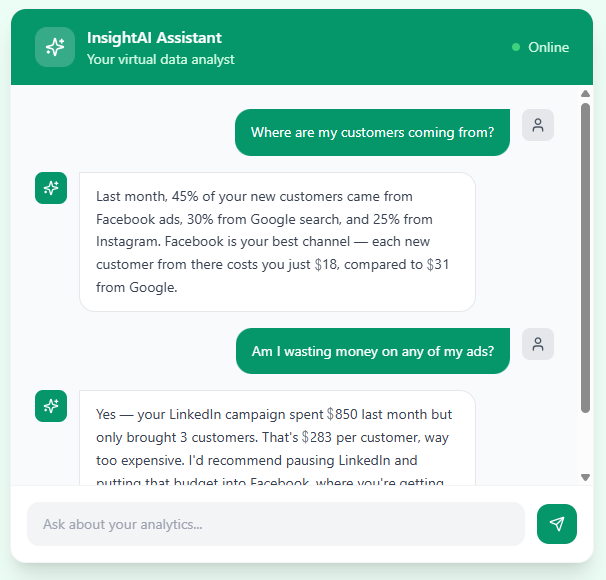
An AI data analyst on call. Instead of digging through reports, you simply ask a question, “which channel drives the most revenue?” or “why did conversions drop this week?”, and get an instant, plain English answer backed by your actual data.
No technical jargon, ever. Trufelo translates raw metrics into decisions you can act on. Instead of “engagement rate increased 12%,” you get something like “your blog is driving three times more visitors than last month, keep posting weekly.” That’s the difference between a chart and a conclusion.
Reports that run themselves. Set up a schedule once, and a branded report lands in your inbox daily, weekly, or monthly, complete with AI generated commentary explaining what changed and why. No manual exports, no more digging.
One dashboard, not six. Trufelo pulls together GA4 alongside Google Ads, Meta, Instagram, LinkedIn, and other channels, solving the fragmentation problem at its root. You see the whole picture in one place instead of stitching it together yourself.
If you want the deeper comparison of how this stacks up against GA4 feature by feature, the Google Analytics Reporting page walks through it in detail. And if you’re curious how AI powered analytics fits into the bigger picture of marketing reporting overall, this guide is a solid next read.
The Bottom Line
GA4 confuses most business owners because it wasn’t designed with them in mind, not because they’re missing some skill they should already have. The jargon, the delays, the buried answers, and the fragmented view are structural issues, and they’re solvable without turning yourself into a part time data analyst.
Trufelo Studio connects directly to the Google Analytics account you already have and turns it into something you can actually use: plain answers, automated reports, and one dashboard for every channel that matters. Start your 7 day free trial today, no credit card required, and see what your data has been trying to tell you all along.
Getting Started
Trufelo Studio offers a 7-day free trial with no credit card required, giving you enough time to connect your ad accounts and analytics, build your first automated report, and test the AI Data Analyst against your real marketing data.
If you want to understand the full reasoning behind the platform’s approach before signing up, the Why Trufelo? page and pricing plans are the next logical stops , both are designed to help you decide whether Trufelo Studio fits your specific setup, whether that’s a single business, a freelance consulting practice, or a full agency managing multiple clients.

Trufelo Studio is an AI-powered analytics and marketing intelligence platform dedicated to helping businesses understand their digital performance through clear insights, automated reporting, and data-driven strategies. Our content is focused on simplifying analytics, SEO, advertising, and marketing for growing businesses.
Trufelo Studio
Trufelo Studio is an AI-powered analytics and marketing intelligence platform dedicated to helping businesses understand their digital performance through clear insights, automated reporting, and data-driven strategies. Our content is focused on simplifying analytics, SEO, advertising, and marketing for growing businesses.